
Visual Emergency Call
With the VNS function, important additional information — for example from passengers’ smartphones — is transmitted to the control centre in parallel with the voice emergency call.
This feature is particularly helpful for hearing-impaired or deaf persons, as well as for users who do not speak the local language.
If the VNS-function is activated, the following sticker is applied inside the car:
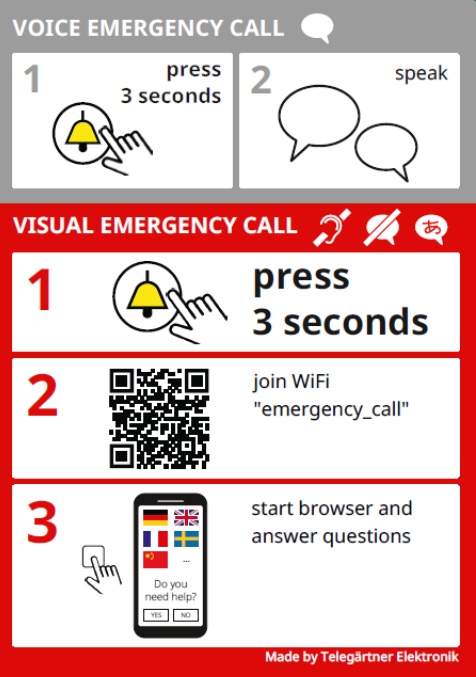
Important Note:
Subsequent Activation of VNS:
-
NRT must be callable via telephone.
-
The phone number and security code of the NRT must be known.
-
Activation can only be carried out by Telegärtner Elektronik Service & Support (unless ordered directly at the time of purchase).
-
The emergency call centre must be capable of processing VNS emergency calls (to be confirmed in advance).
-
Complete the activation form and send it to Telegärtner Elektronik:
https://docs.tegae.de/notrufgeraete/nrtxtv3/activation-vns/
How a Visual Emergency Call Works
If the VNS option has been activated on the NRT, visual alarms (two-sense lift alarm via smartphone) are supported.
Press the alarm button for at least 3 seconds.
-
The alarm is transmitted, and the NRT activates a Wi-Fi network (“Alarm”).
-
Scan the QR code on the sticker inside the car using a smartphone.
-
Allow the smartphone to connect to the Wi-Fi network (“Alarm”).
-
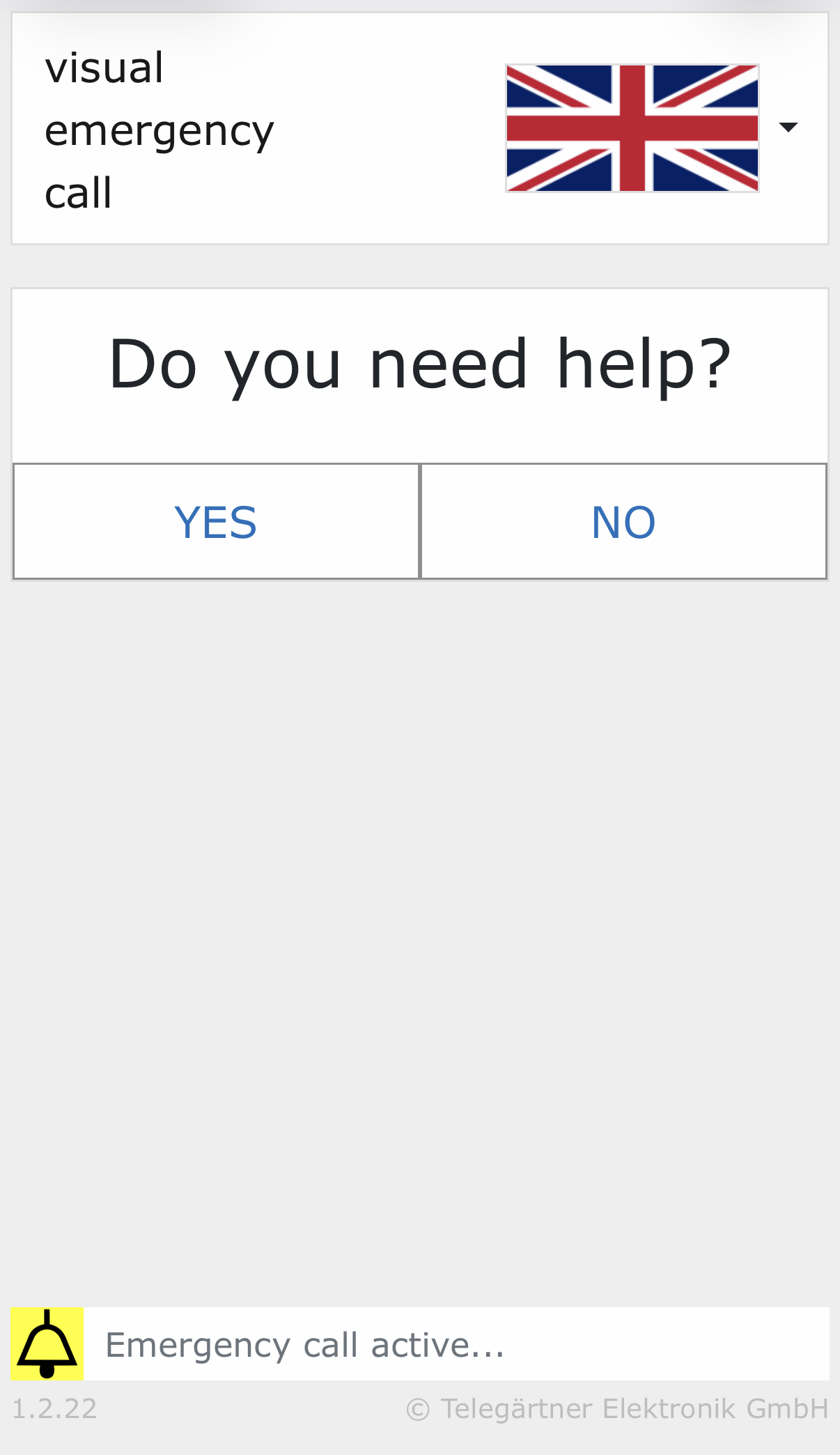
After a short loading period, the VNS user interface is displayed:
-
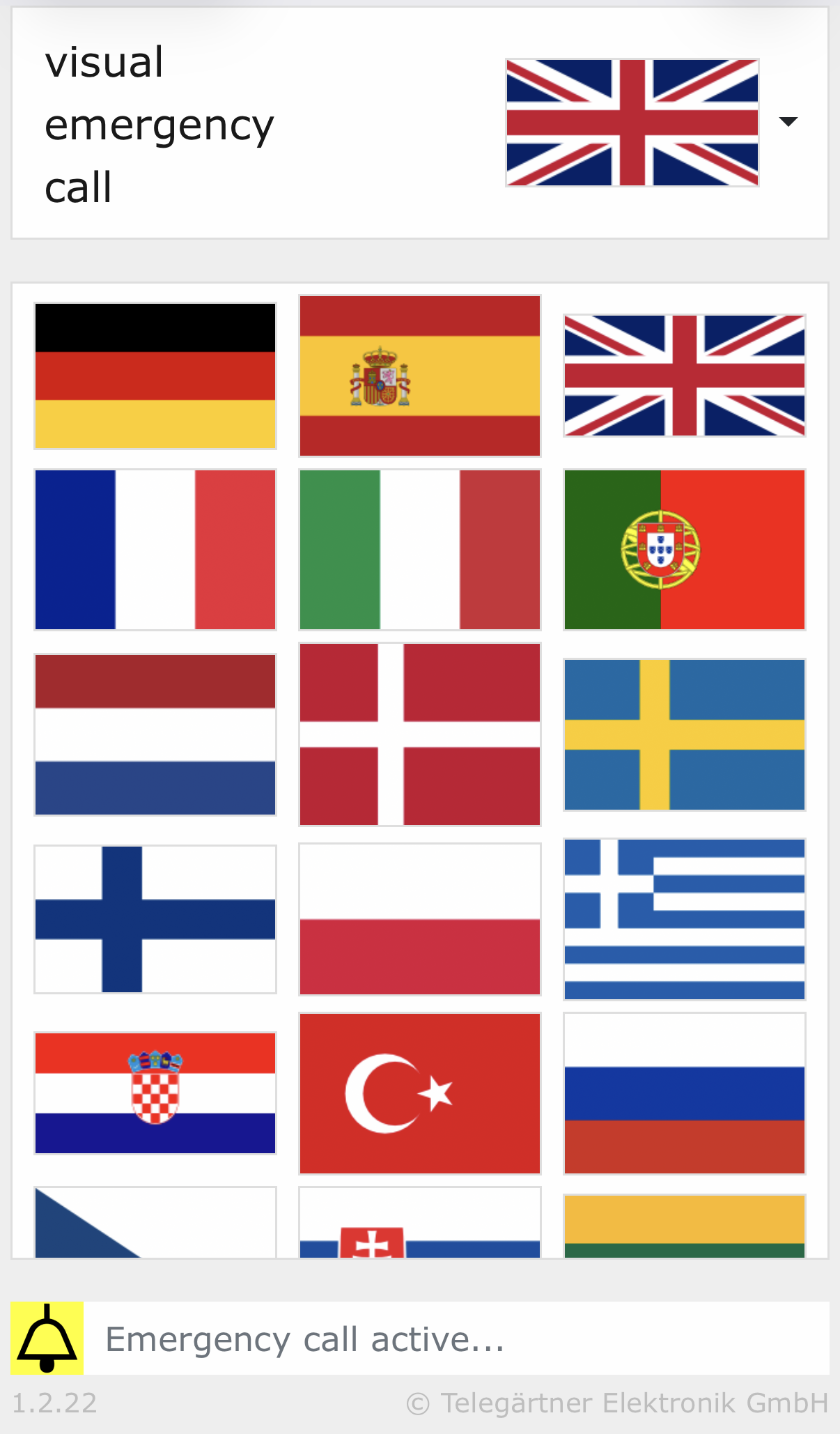
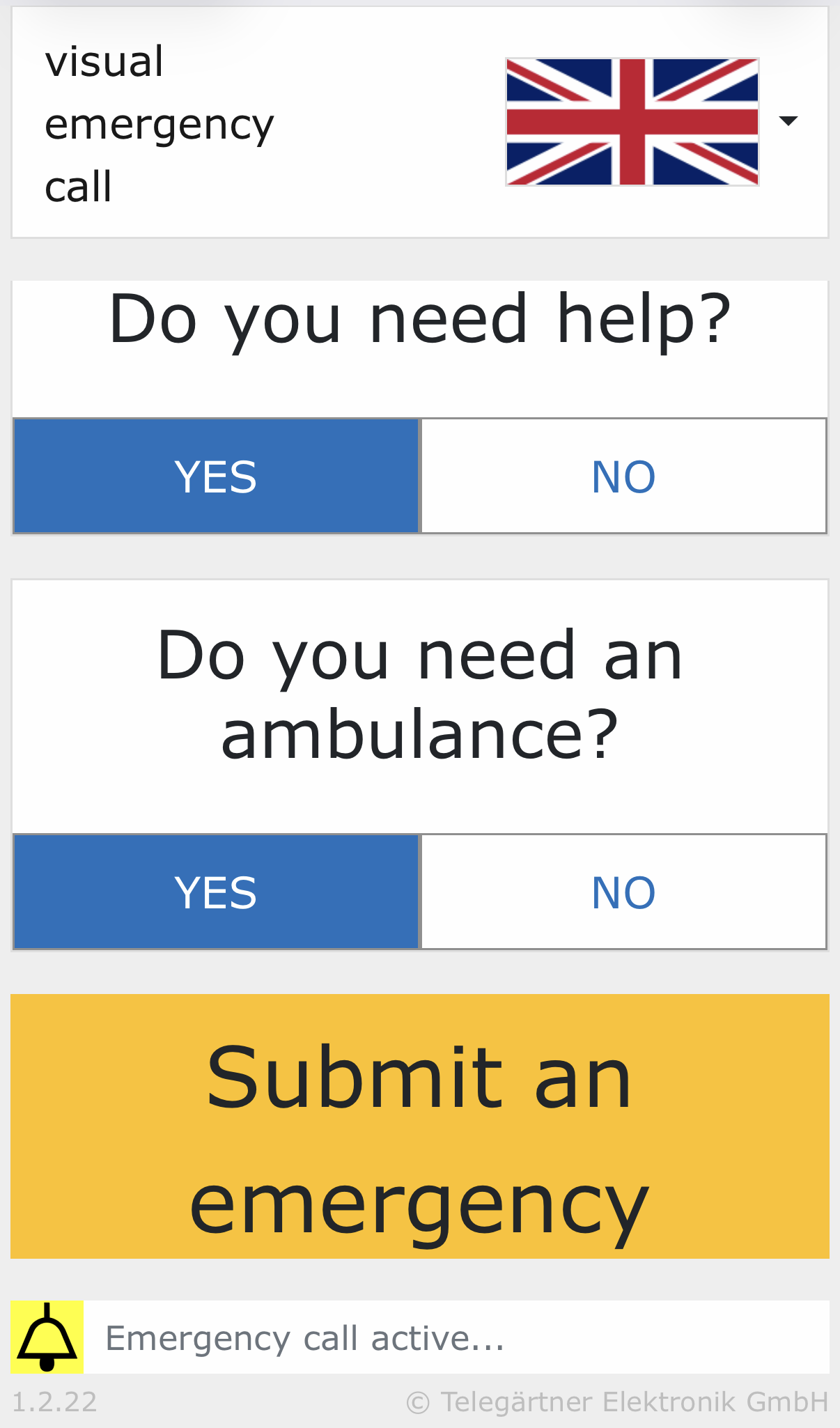
Select the desired language and answer the displayed questions:
-
After answering the questions, the visual alarm can be sent using the corresponding button.
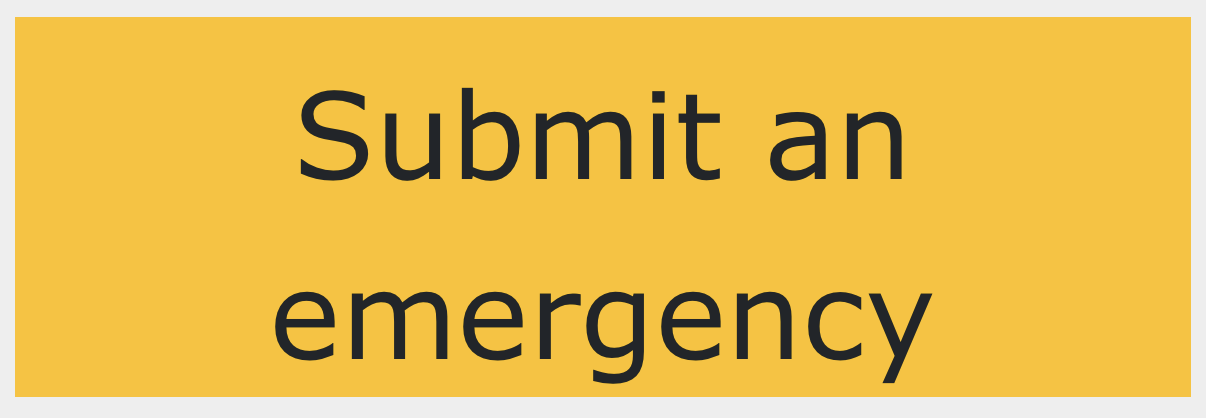
-
The alarm centre receives the submitted answers.
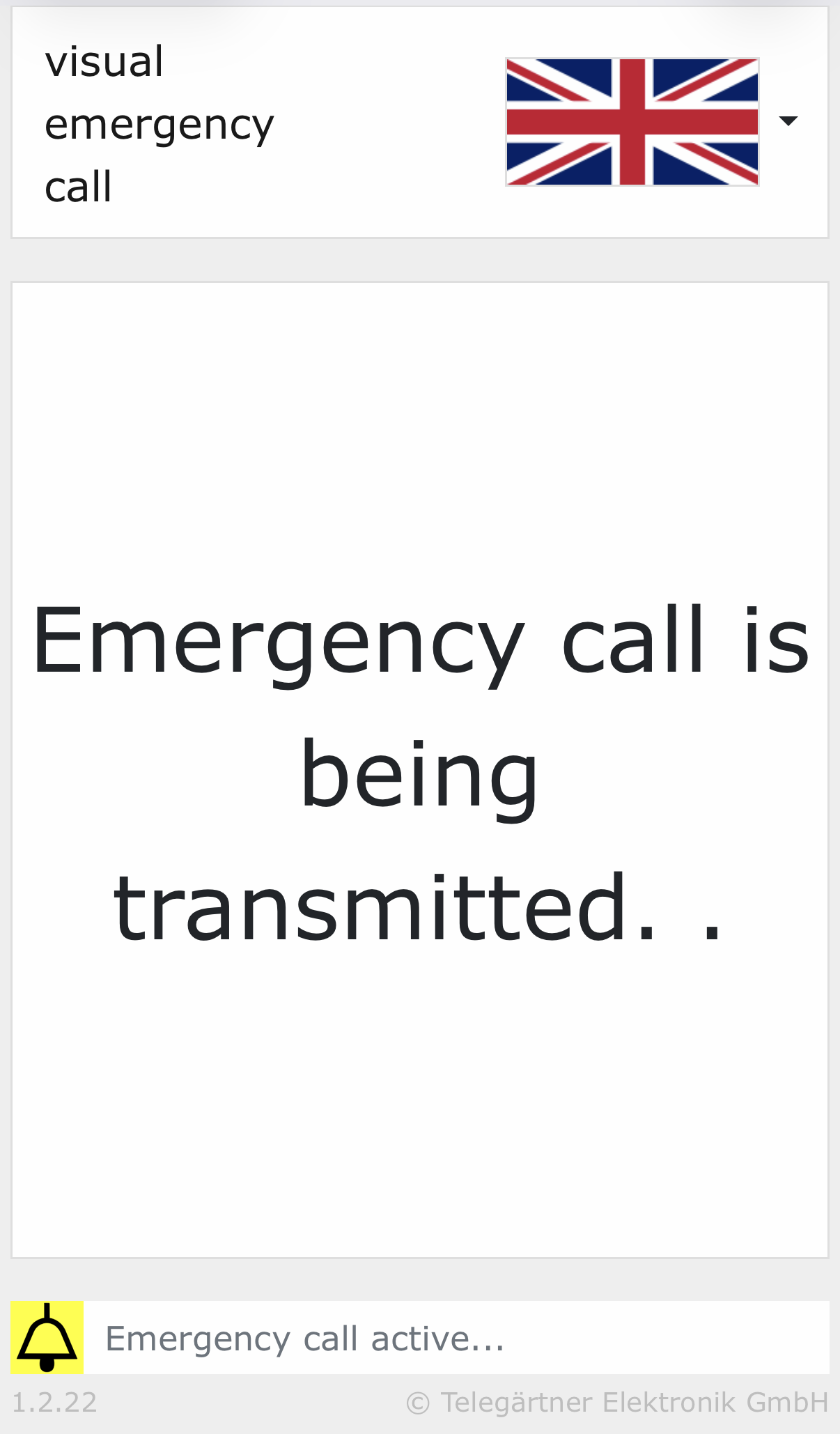
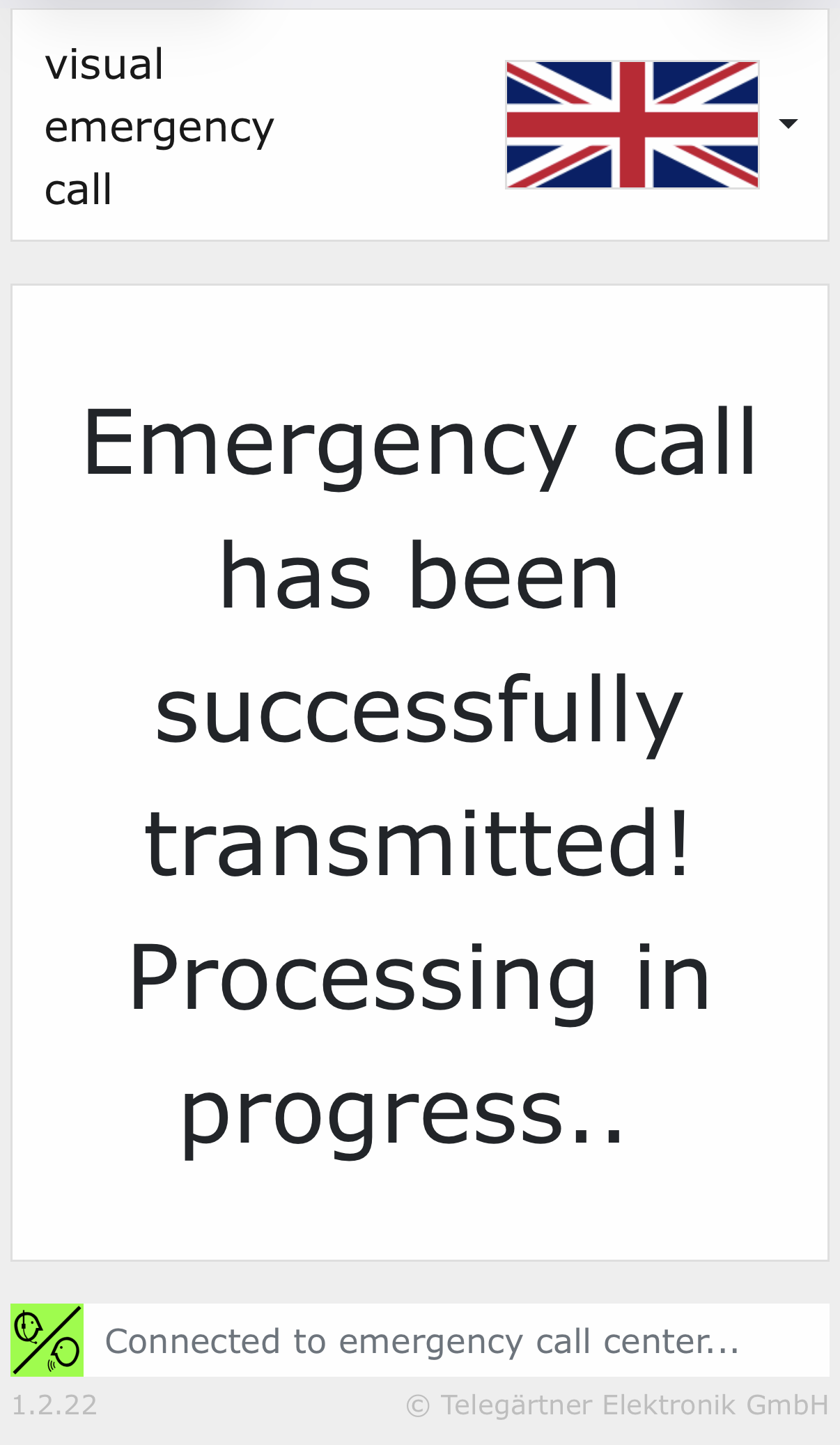
-
The alarm centre can send information back to the smartphone.
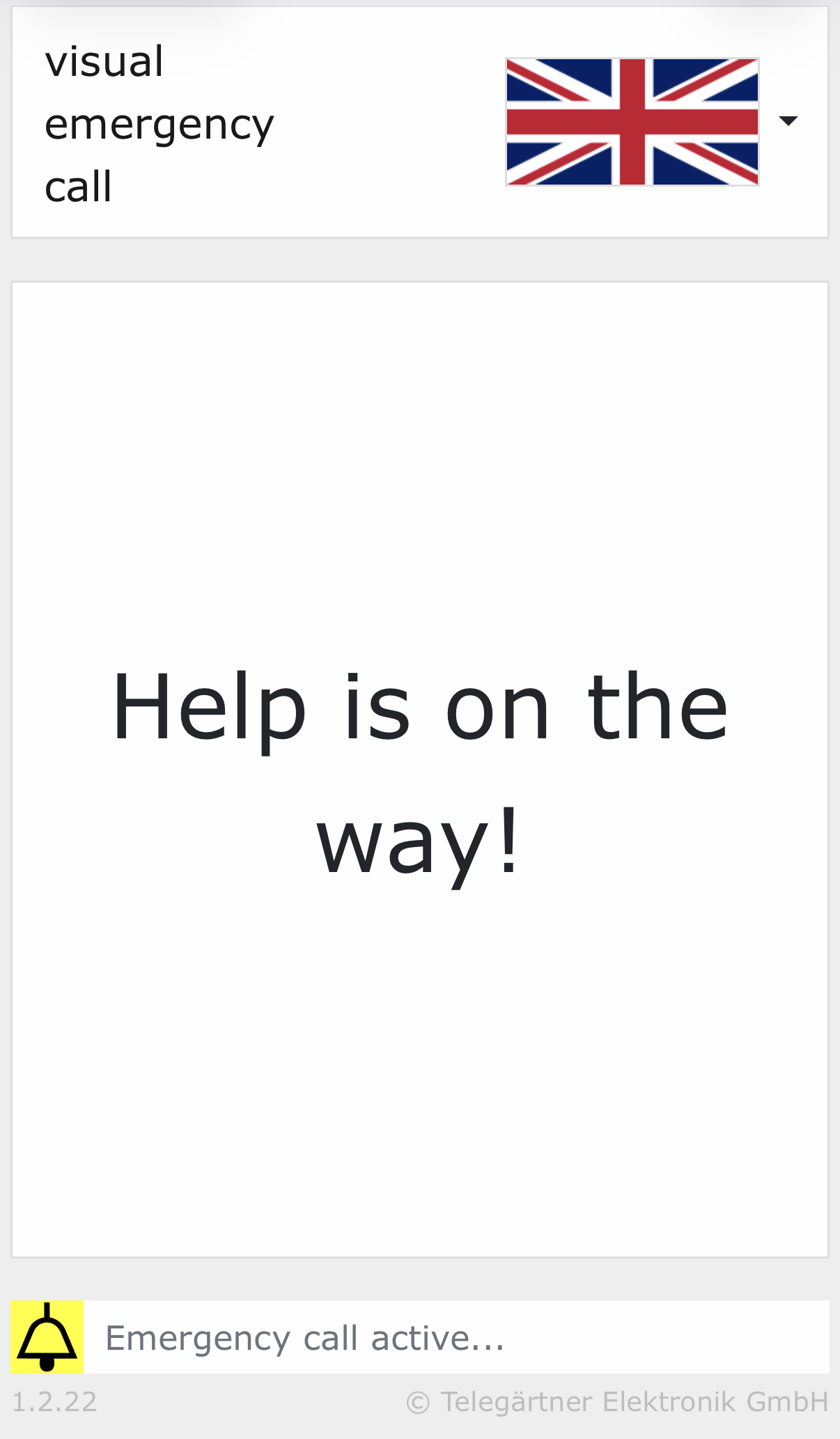
-
The Wi-Fi network remains active until either the alarm centre (NRZ800) sends an end-of-alarm command via DTMF protocol, or until 30 minutes have elapsed.